How to unlock the candidates details?
Database Unlock is a functionality where you can get candidate details matching to your requirements mentioned in the jobpostings - so that you can approach them.
Note: You can unlock candidate database only if you are a Paid User of Workindia.
Here is a reference guide to help you with Database unlocking of candidates:
-
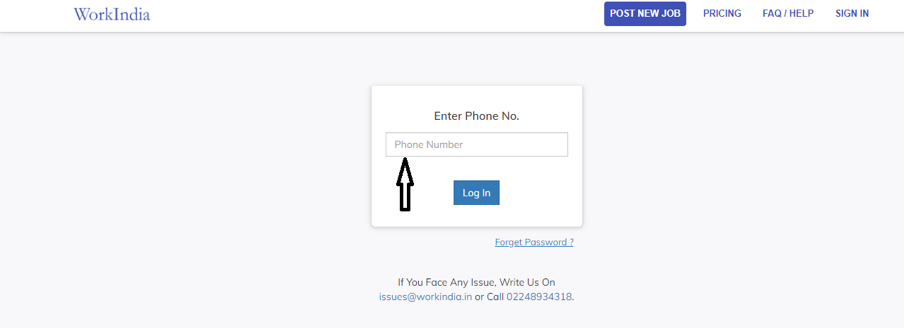
Sign-in to your profile using your 'Registered Mobile' number.
-
Click on ‘All Jobs’ and go to your desired job post

-
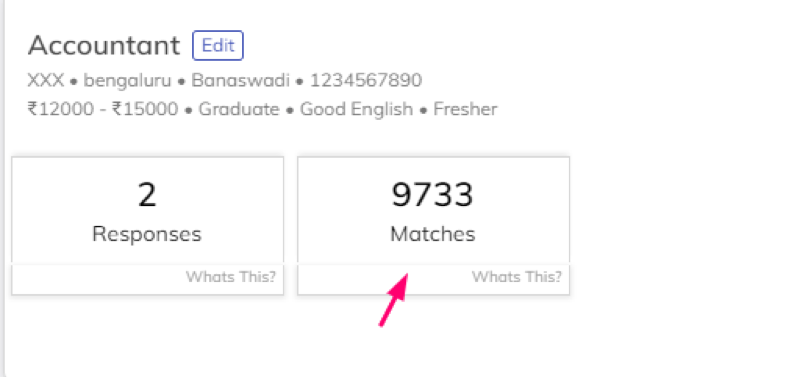
Click on the ‘Matches’ button of the job post if you want to see
'Matched Candidates’ contact number or click on
‘Responses’ button to see contact number of candidates who has
contacted you.
-
Here is a list of all your matched candidates, you can sort candidates based
on ‘New candidates’ feature and ‘Location’ as updated by the candidates.

You can view provided contact number of the candidate by clicking on ‘View Phone Number’ and call them, you can also 'Send SMS' to the candidate or 'Add to favourites' by clicking on ‘Heart’ on the page for the particular candidate.
In this list you can get all required details of candidates and screen out as per your requirements.
Was this article helpful?