How to Sign in?
Here is a reference guide to help you with getting started in Workindia
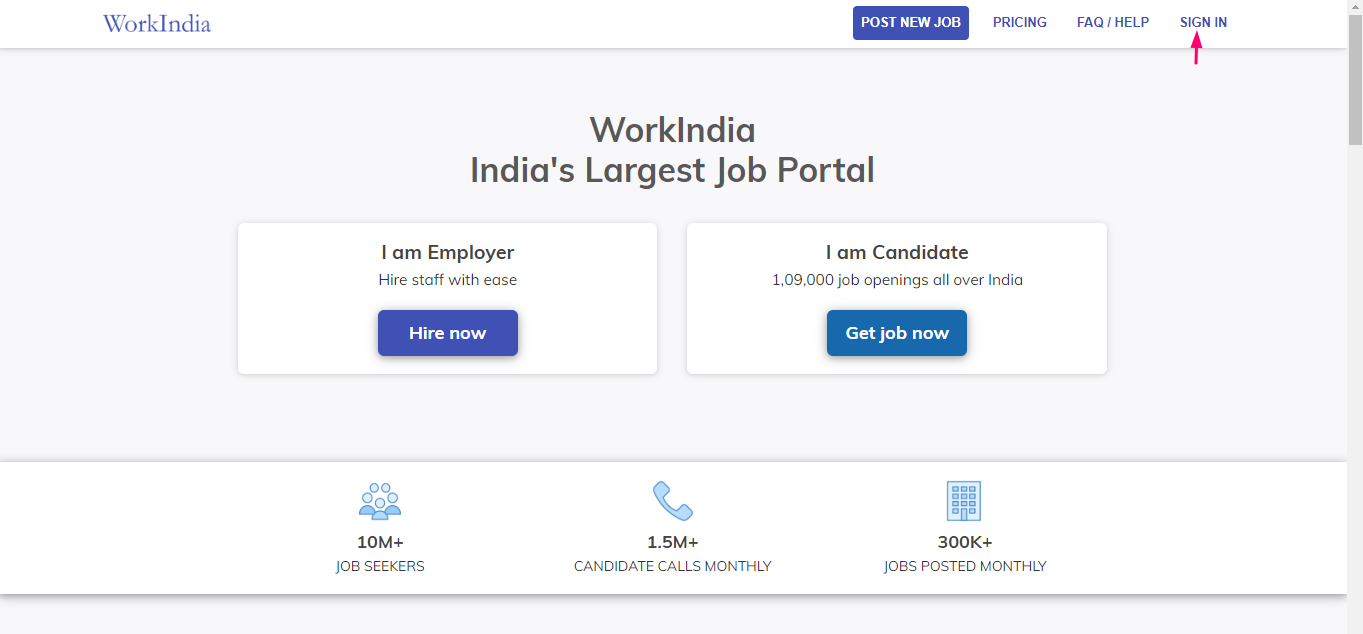
Click on ‘Sign in’ button of our homepage to Login in Workindia
Put your mobile number in the blank box and click on the button ‘Log in’

This number is your registered number for Workindia, you can change your contact number later but can not change this number or ‘Registered number’.
Enter your password and log in

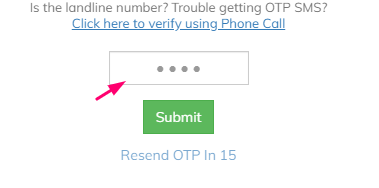
Else, You can log in with OTP as well, you will receive OTP on your registered mobile Number.
Here you are logged into the Workindia portal.
Was this article helpful?