How to post a Job? (Registered users)
Registered users can post jobs by following below step by step process
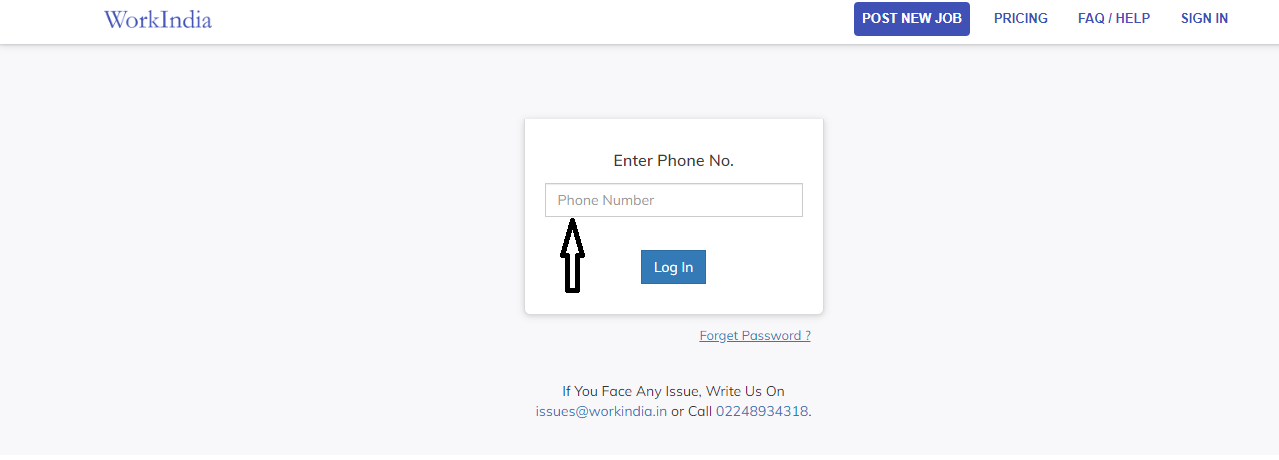
Sign-in your profile using registered mobile number
To post a new job click on ‘Post new job’ button on your home page

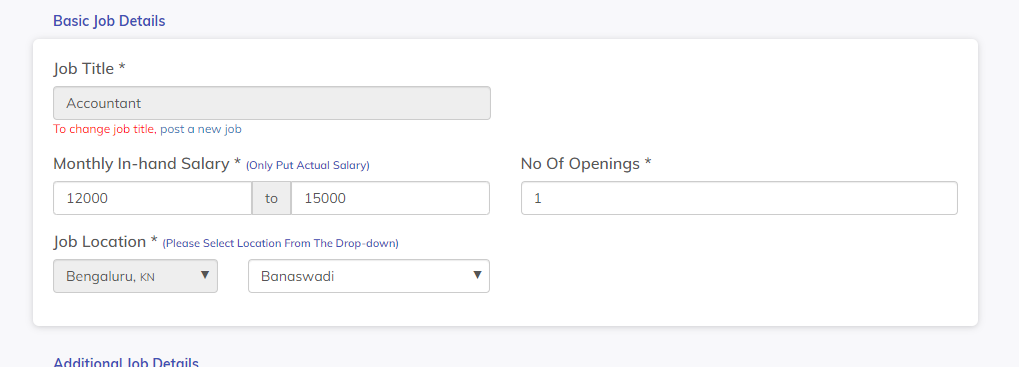
Fill out a simple form to tell us about the job role. Once you post a job, you cannot change the 'Job Title' and 'Job Location'.
Please Note: To change the Job Title/Job Location, you will have to post a new job.
- ‘Job Title’ desribes the type of candidate you are looking for. One Jobpost can have only a single 'Job Title'.
- ‘Monthly In-hand Salary’ is the salary range that you can offer to a candidate. This range should be genuine as walkin ratio of candidates depends upon this field. The salary range 'Min Salary to Max Salary' descripts 'Fixed Salary' or the salary which a candidate will receive during the joining period which excludes incentives and performance based salary. If there is a mismatch in this field, candidates won't turn up for Interviews/Joinings.
- ‘ No of opening’ is the number of openings you currently have in your company for the same Job role
- ‘Job Location’ is the City Name/Location for where you are looking for a candidate. You can not change Job Location once you post a job. There are some drop down options, from which you have to select the most suitable one.
Note: We suggest you put Salary range according to Market standard to get high walk-ins
All your requirements for the role i.e 'Minimum Qualification', 'Experience Needed', 'Gender Preference', 'English Required' and 'Must have skill sets' you need to select from already existing options. We suggest you match your requirements with offered salary to get relevant candidates’ response.

Finally enter you Company's details, Click on ‘I Accept the Terms And Conditions Privacy Policy’ box, accepting the terms and then click on the ‘Submit’ button.

As simple as this gets! Your job will be posted on our portal now