Export to Excel
You can export data of Matched, Contacted and Unlocked Candidates in an excel sheet by following step by step reference guide described below
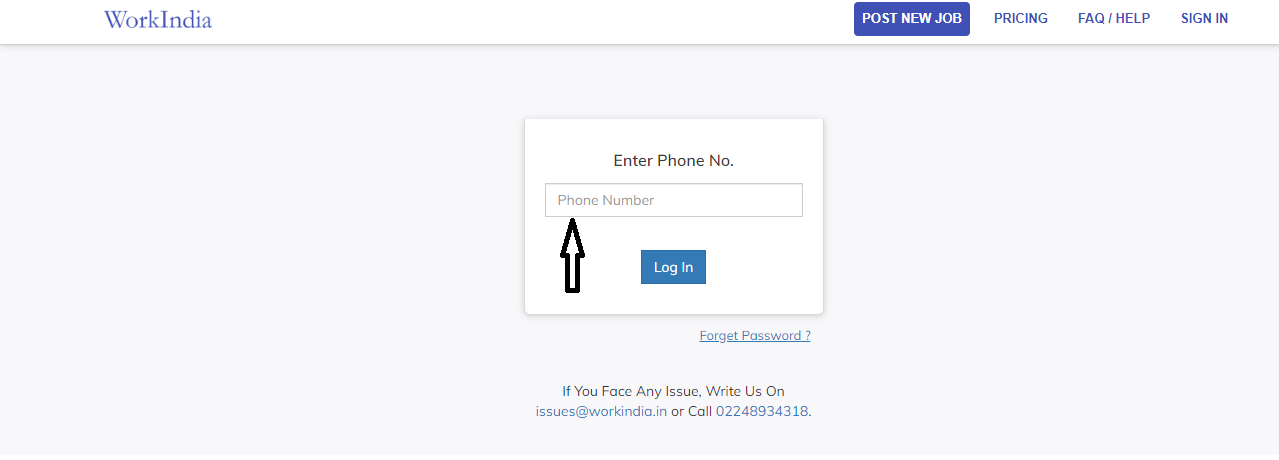
Sign-in your profile using registered mobile number
Go to your desired/posted job post
Click on Matches/Response button

If you want to export data of unlocked matches, Please click on ‘Unlocked’ (Button on the Top Right Hand side)

In this tab you will find information like Candidate’s name, location, English speaking proficiency, age, qualification, experience, gender and phone number of all candidates whose data you have unlocked to call or message

You can sort candidates by ‘New Candidates’ and ‘Location’ Whenever you sort it by ‘New Candidate’, all candidates who are new in WorkIndia will appear first in the list And If you sort by ‘Location’ then you nearby candidates will appear first.
Below our filter box (Box on the Left Side), you would find the 'Export to Excel Sheet' button. Click on this button.

Data will be downloaded in an excel sheet with all important information of candidates.
Similar way, you can export data of candidates who contacted or called you, by clicking on ‘contacted’ button.

In this tab you will find information like Candidate’s name, location, English speaking proficiency, age, qualification, experience, gender, Skillsets and phone number of all candidates whose data you have unlocked to call or message.
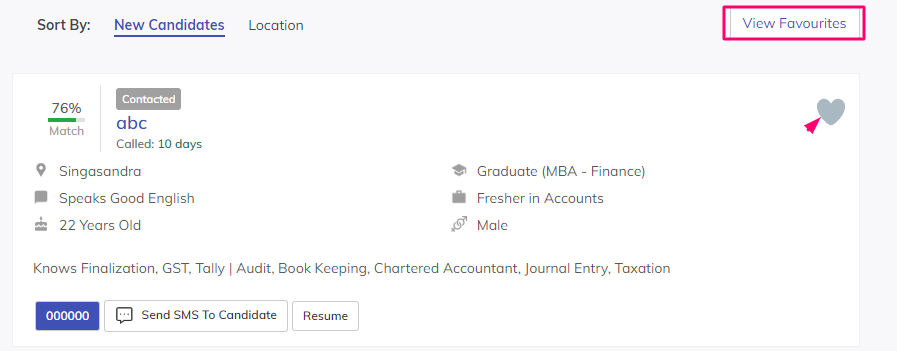
Same way you can sort candidates by New candidates and Location and also view your previously marked favourite candidates. Favourite candidates can be marked by clicking on the little heart.
.Below our filter box (Box on the Left Side), you would find the 'Export to Excel Sheet' button. Click on this button

Data will be downloaded in an excel sheet with all important information of candidates