Can I edit my Job post?
Need to change the contents of your job post?
Here is a step by step reference guide to help you with so
1. Sign-in your profile using registered mobile number
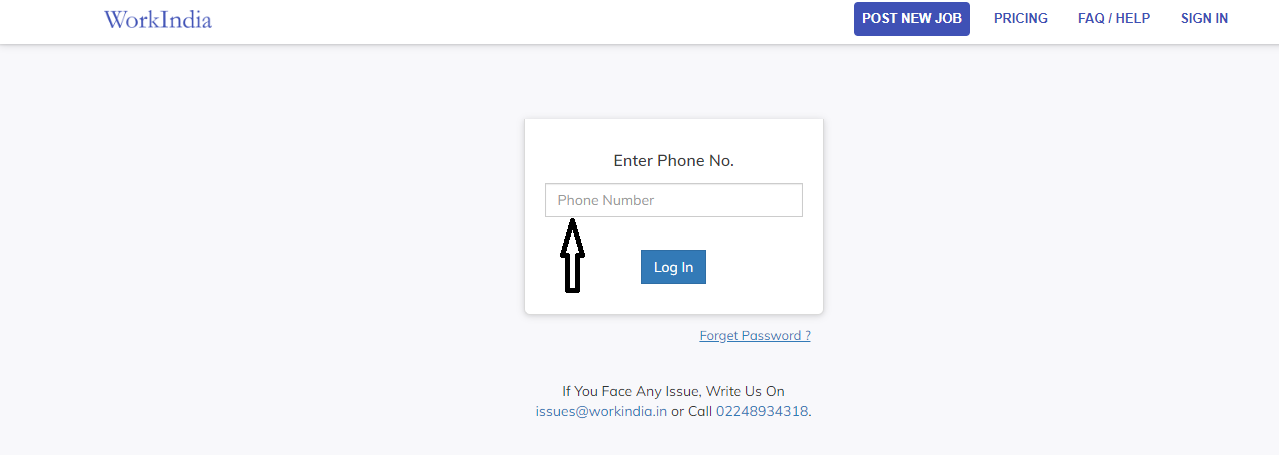
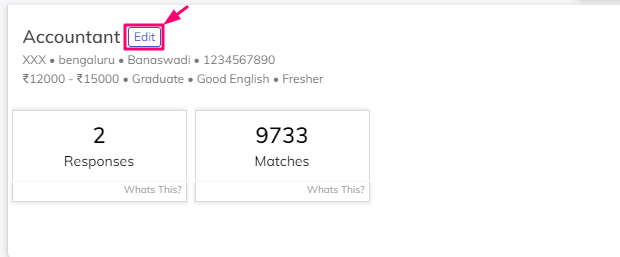
2.Beside your particular Job post, there is an 'Edit' button present, Click on it.
Under Basic job details, You can change 'Salary Offered', 'No. of Openings' and 'Job Location'.s
You cannot edit a 'Job Title', to update it you need to post a new job

Under Additional Job details, you can change ‘Minimum Qualification’, ‘Candidate Experience Needed’, ‘Gender Preference’ and ‘English Required’ according to your job role requirements.
You can also add or change 'Job Description' and 'Must have skill sets' under this category.

To update ‘Job Timings’ and ‘Interview Details’ you can update it by clicking the button ‘Change’
Under Your company, you can change the company's 'Contact Number', 'Contact Person's Name', ‘Email Id’ and ‘Address’ of your company by clicking the ‘Change’.
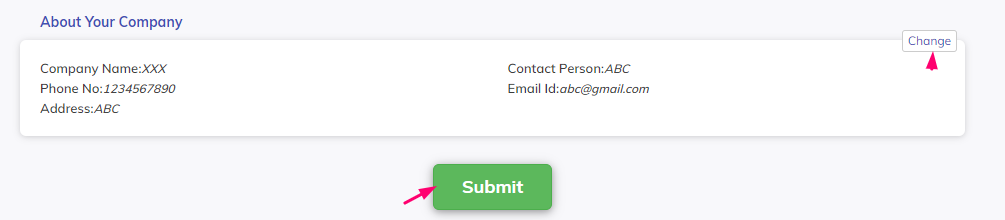
After all the necessary changes made as per requirement, click on the ‘Submit’ button